MiroClash

MiroClash

N/A
v9.838.20 (922) • Updated Mar 17, 2026
0.9 ★
1 Reviews
100+
Téléchargements
Android 5.1++
Requires
AD
Nom MiroClash
Version Android 5.1+
Éditeur N/A
Taper GAME ARCADE
Taille 110 MB
Version 9.838.20 (922)
Dernière mise à jour le 2026-03-17
Téléchargements 100+
Obtenez-le Google Play


Télécharger MiroClash Android

Download APK (110 MB )

Introductions MiroClash

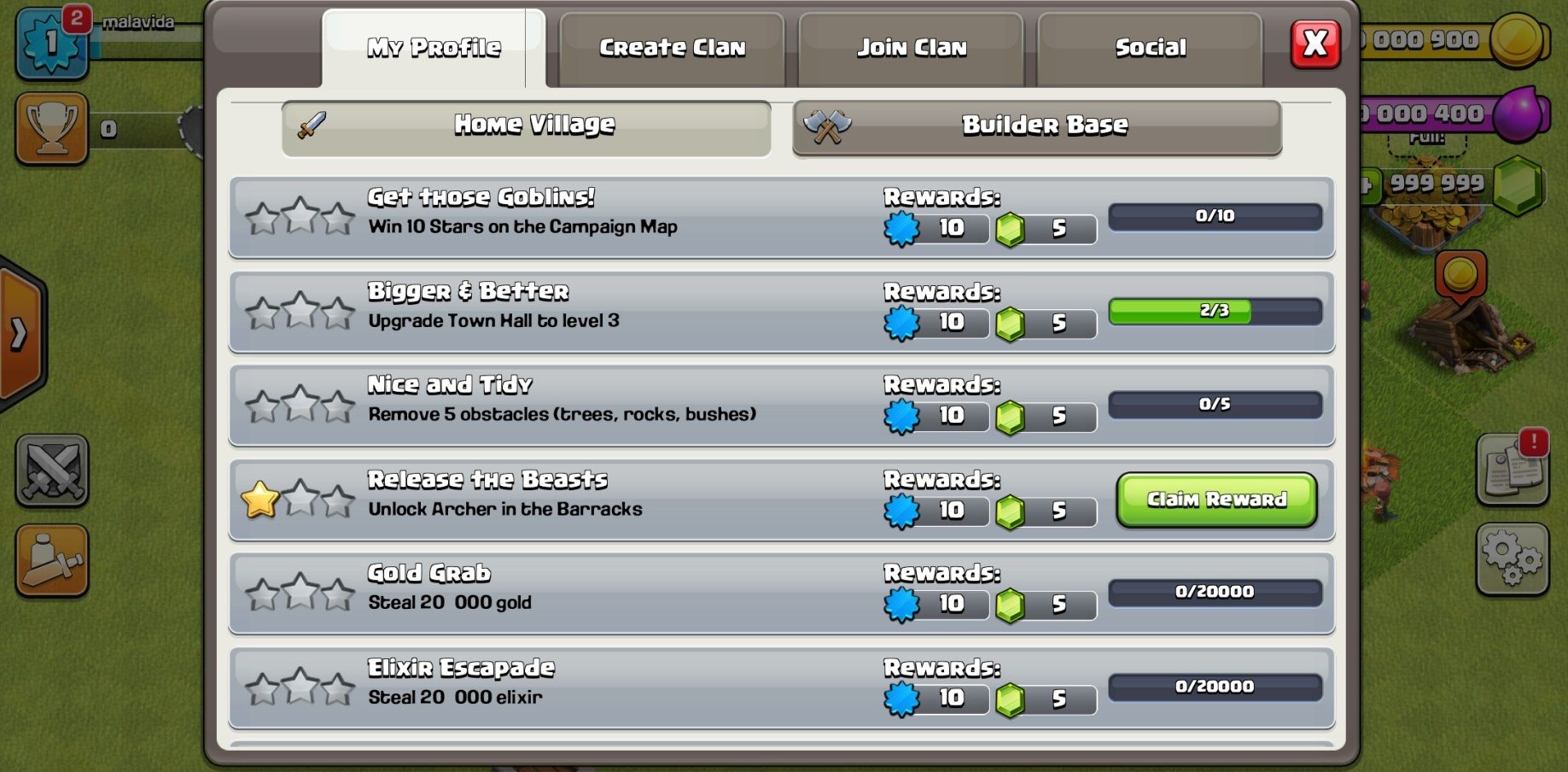
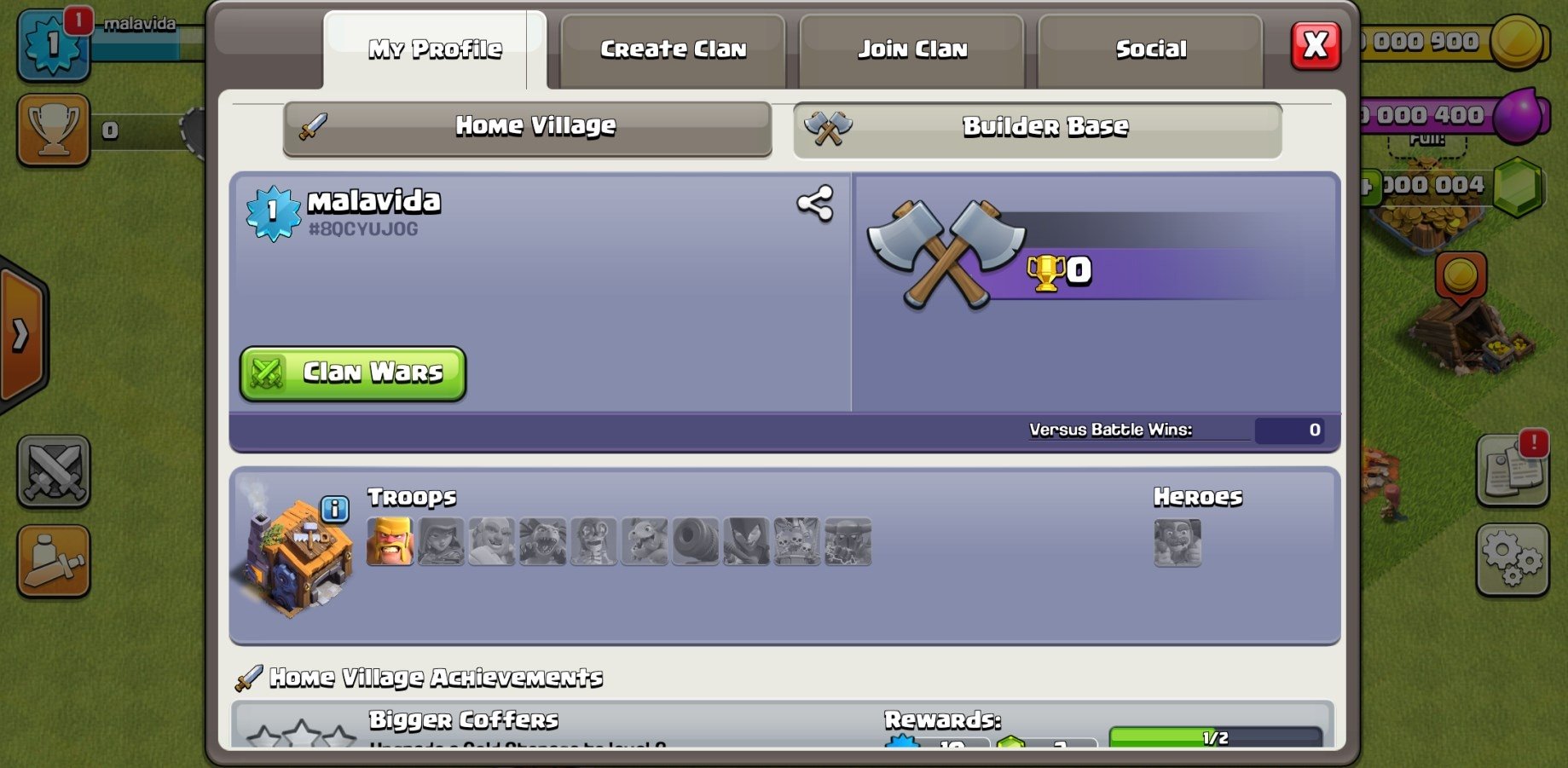
Clash of Clans MOD with private servers

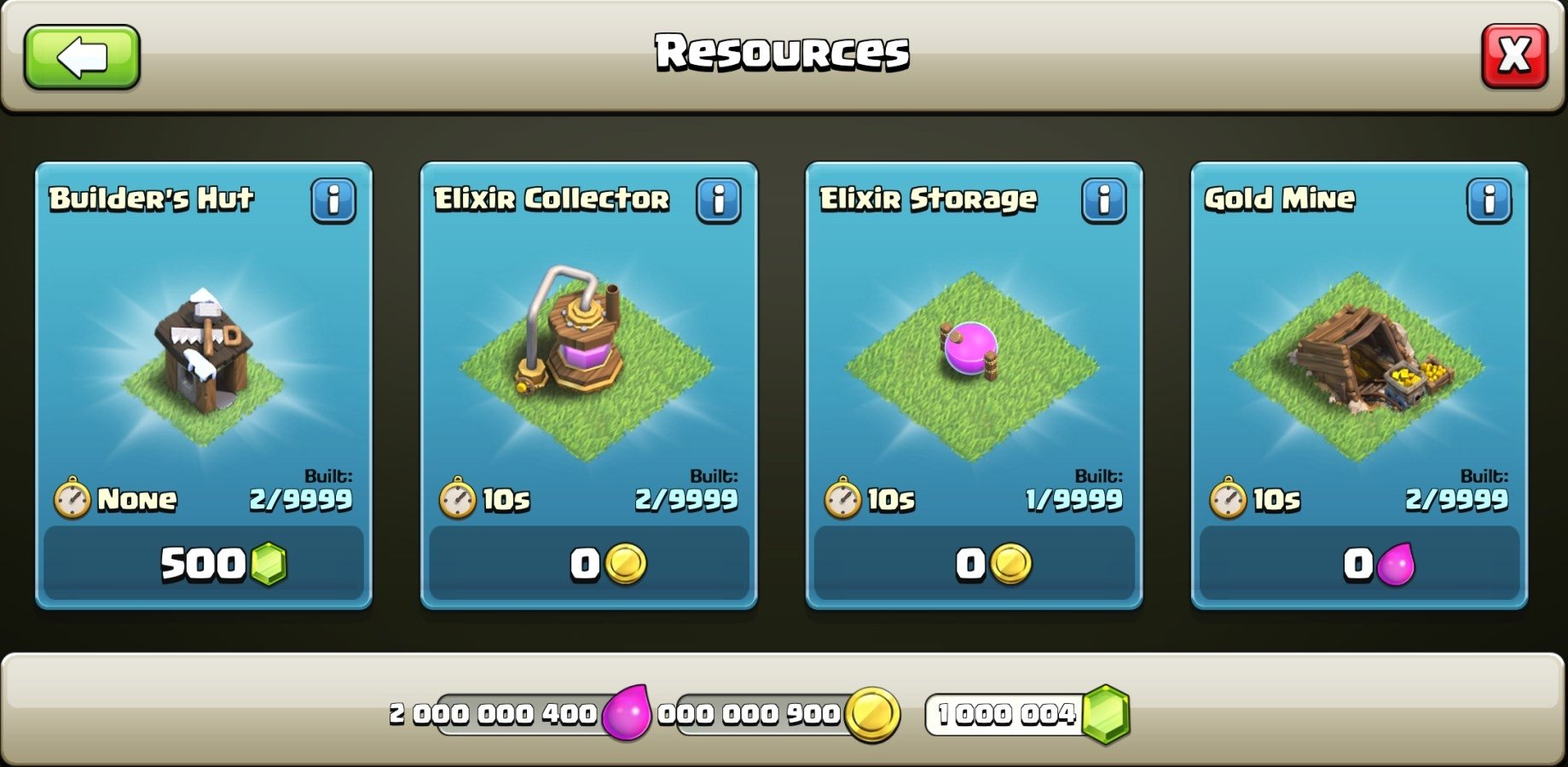
Clash of Clans is one of the best real-time strategy games that we can play on both Android and iPhone. However, many users aren't patient enough to wait to get the resources that allow them to construct buildings and new units or wait for the time necessary to build new facilities.

A private server for Clash of Clans

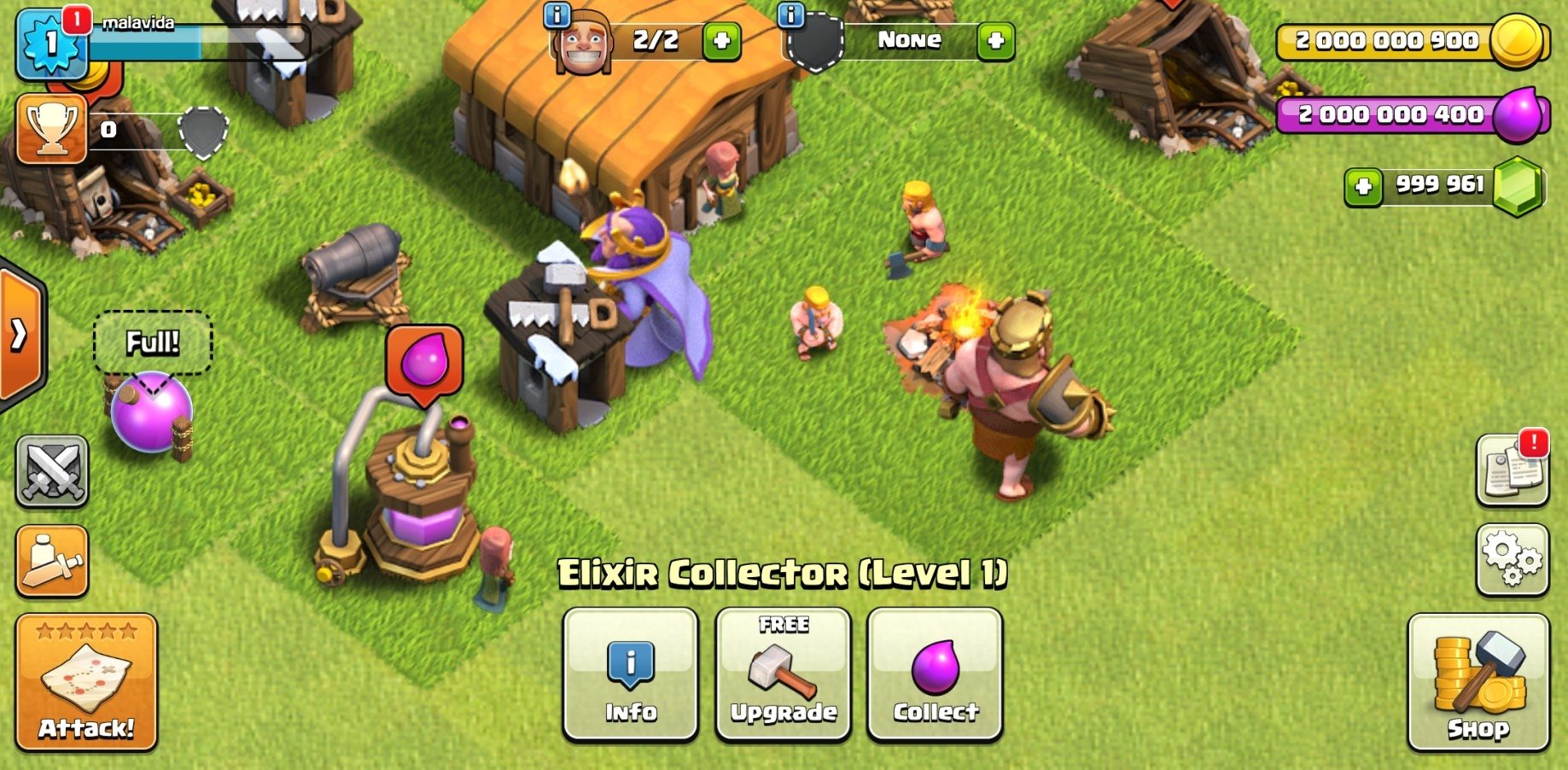
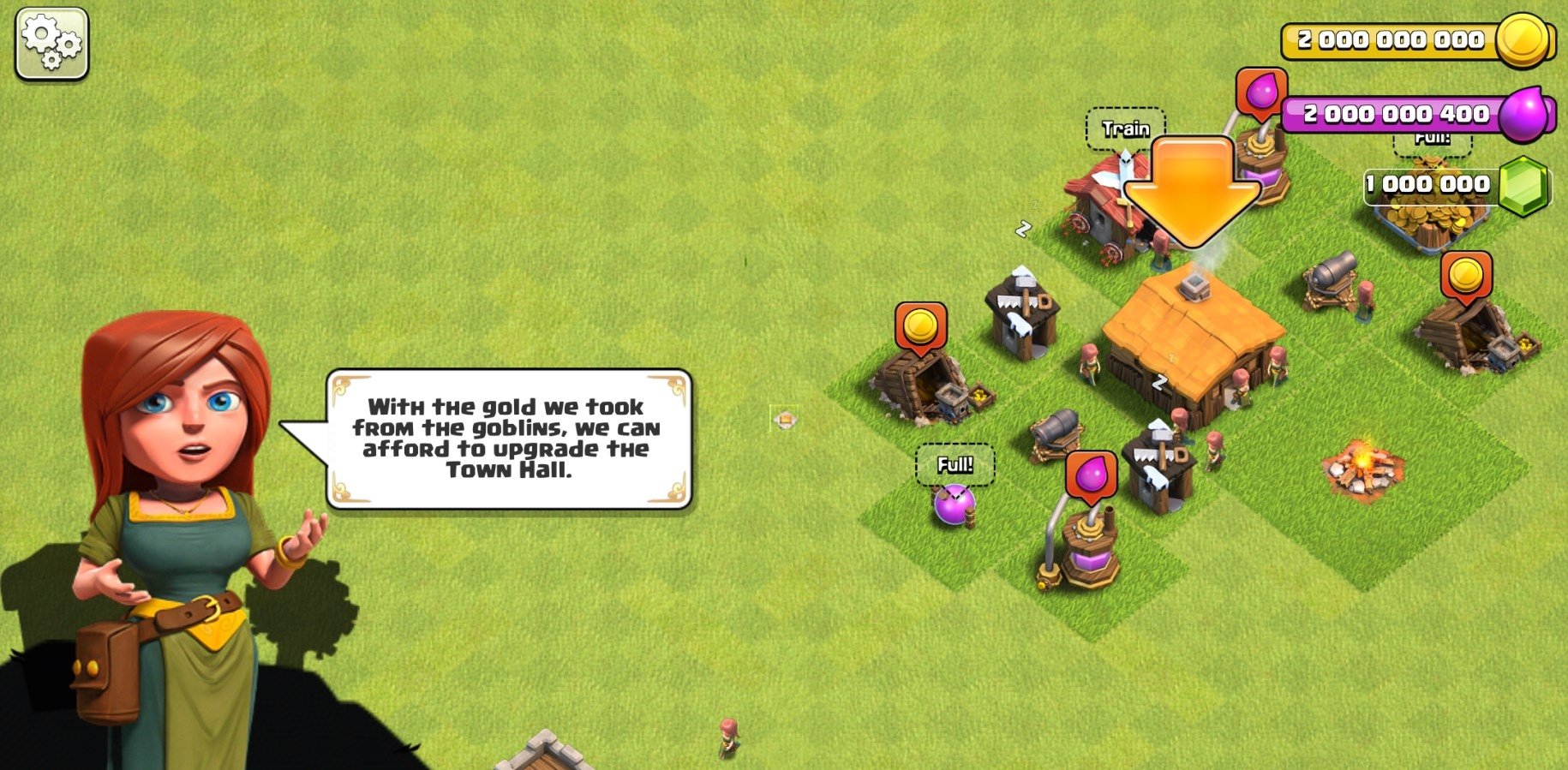
MiroClash is a Clash of Clans MOD that allows us to play games on a private server with special features. That means that it's not controlled by Supercell that usually bans players that hack the game to get hold of endless resources (gems, coins, and elixir) to construct buildings or produce units. Neither will we have to wait the time necessary to complete those processes.

Honest gamers may think that this kind of app ruins the experience as we can brush away all the difficulties that we have to face up to when playing these games. However, we have to bear in the mind that the rest of the players have the same advantages, therefore, it's not so unfair.
AD

Download APK (110 MB )

Foire Aux Questions

Quelle est la dernière version de MiroClash ?
La dernière version de MiroClash est 9.838.20 (922).
MiroClash est-il gratuit à télécharger ?
MiroClash est gratuit sur Android, mais peut contenir des achats intégrés.
What is the APK file size of MiroClash?
The APK file size of MiroClash is 110 MB.
MiroClash est-il sûr et sans virus ?
Oui, MiroClash est entièrement sûr. L'APK provient directement de Google Play et est vérifié avec le certificat original du développeur.
Comment installer MiroClash sur Android ?
Téléchargez l'APK depuis cette page. Ouvrez le fichier sur Android, autorisez l'installation depuis des sources inconnues si demandé, puis appuyez sur Installer.