Xiaomi App Store

Xiaomi App Store

Xiaomi Inc.
v8.15.1 (8002341) • Updated Mar 17, 2026
4.5 ★
1 Reviews
5,000,000+
Downloads
Android 6.0+
Requires
AD
Name Xiaomi App Store
Android Version 6.0
Publisher Xiaomi Inc.
Genre TOOLS
Size 25 MB
Version 8.15.1 (8002341)
Last updated on 2026-03-17
Downloads 5,000,000+
Get it On Google Play


Download Xiaomi App Store Android

Download APK (25 MB )

Introductions Xiaomi App Store

The Chinese giant Xiaomi´s app market

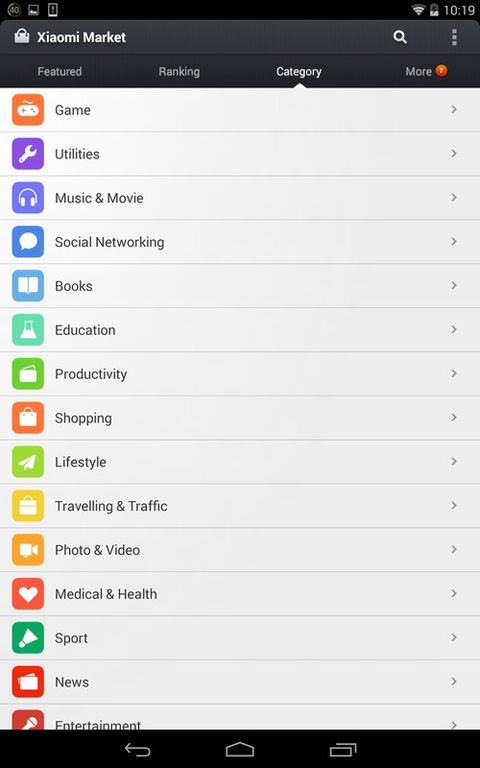
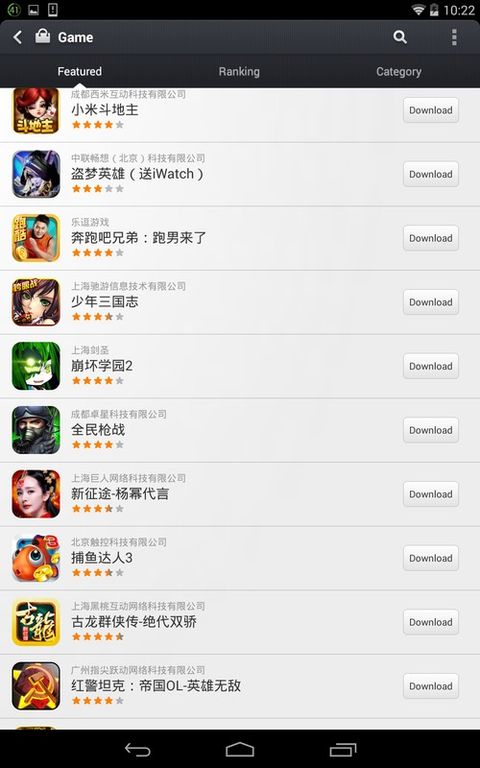
Xiaomi Market is an app store, alternative to Google Play or APKCombo, that lets you download and update thousand ofChinese applications, many of them exclusive.


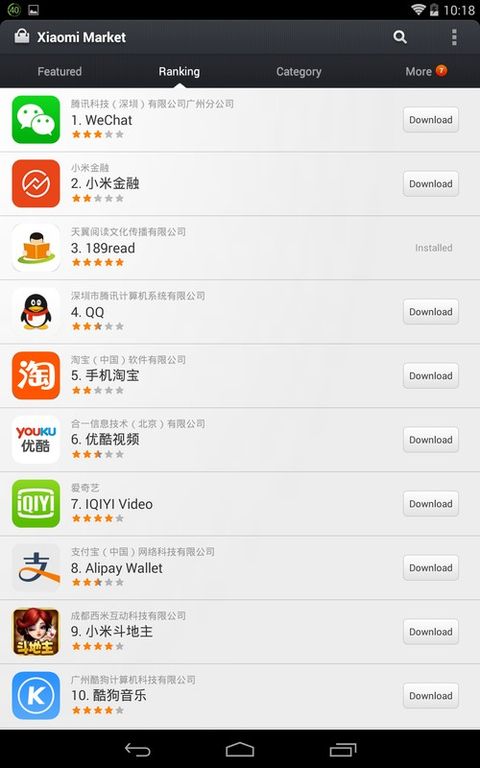
Xiaomi Market works in a very similar way to the official Uptodown application. From the main window of the applicationyou can take a quick look at the most downloaded apps, and access to their information with just a touch. You can seescreenshots of the apps and a description (in Chinese), provided by the developers. In this Xiaomi Market is differentto Uptodown, where you can find custom reviews and screenshots (not done by the developers).


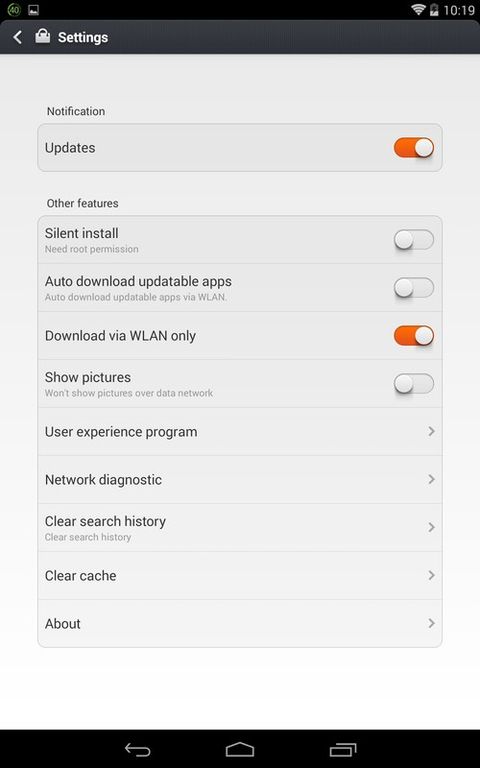
One of Xiaomi Market's strengths is that it doesn't only let you download applications, but it also keeps them updated.In this sense it's as good as Google Play or APKCombo.


Xiaomi Market (mi Market) is an interesting and alternative app store, specially for those who speak Chinese.
AD

Download APK (25 MB )

Frequently Asked Questions

What is the latest version of Xiaomi App Store?
The latest version of Xiaomi App Store is 8.15.1 (8002341).
Is Xiaomi App Store free to download?
Xiaomi App Store is free to download on Android, but may contain optional in-app purchases.
What is the APK file size of Xiaomi App Store?
The APK file size of Xiaomi App Store is 25 MB.
Is Xiaomi App Store safe and virus-free?
Yes, Xiaomi App Store is completely safe to download and install. The APK is sourced directly from Google Play and verified with the original developer certificate.
How to install Xiaomi App Store on Android?
Download the APK from this page. On your Android device, open the downloaded file, allow installation from unknown sources if prompted, then tap Install.