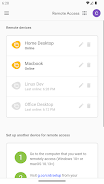
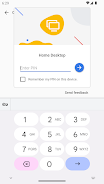
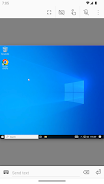
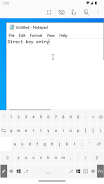
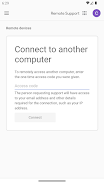
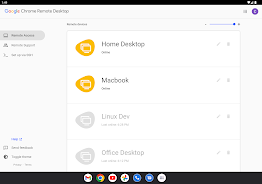
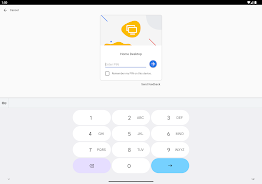
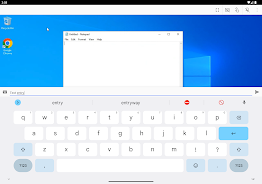
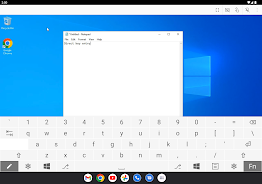
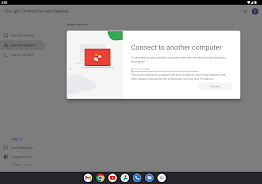
Securely access your computers from your Android device.
Securely access your computers from your Android device.
• On each of your computers, set up remote access using the Chrome Remote Desktop app from Chrome Web Store: https://chrome.google.com/remotedesktop
• On your Android device, open the app and tap on any of your online computers to connect.
For information about privacy, please see the Google Privacy Policy (http://goo.gl/SyrVzj) and the Chrome Privacy Policy (http://goo.gl/0uXE5d).
What is the latest version of Chrome Remote Desktop?
The latest version of Chrome Remote Desktop is TWA 1.5.2 (1000000016).
Is Chrome Remote Desktop free to download?
Chrome Remote Desktop is free to download on Android, but may contain optional in-app purchases.
What is the APK file size of Chrome Remote Desktop?
The APK file size of Chrome Remote Desktop is 4 MB.
Is Chrome Remote Desktop safe and virus-free?
Yes, Chrome Remote Desktop is completely safe to download and install. The APK is sourced directly from Google Play and verified with the original developer certificate.
How to install Chrome Remote Desktop on Android?
Download the APK from this page. On your Android device, open the downloaded file, allow installation from unknown sources if prompted, then tap Install.