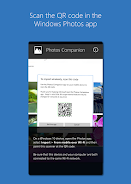
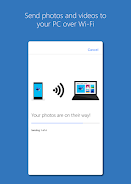
Introductions Photos Companion, a Microsoft Garage project
Fotos Companion
The Microsoft Garage provides employees with avenues to test new ideas and explore customer enthusiasm. The experimental window for Photos Companion, a Microsoft Garage project, will be complete in early June, and it will no longer be supported. This experiment showed the importance of consistent communication between desktop and mobile apps, and our future development efforts will focus on mobile and cloud-first design to take this notion even further.
Was ist die neueste Version von Photos Companion, a Microsoft Garage project?
Die neueste Version von Photos Companion, a Microsoft Garage project ist 2018.0301.05.4 (180301054).
Ist Photos Companion, a Microsoft Garage project kostenlos?
Photos Companion, a Microsoft Garage project ist auf Android kostenlos, kann aber In-App-Käufe enthalten.
What is the APK file size of Photos Companion, a Microsoft Garage project?
The APK file size of Photos Companion, a Microsoft Garage project is 52 MB.
Ist Photos Companion, a Microsoft Garage project sicher und virenfrei?
Ja, Photos Companion, a Microsoft Garage project ist vollständig sicher. Die APK stammt direkt von Google Play und ist mit dem Original-Entwicklerzertifikat verifiziert.
Wie installiere ich Photos Companion, a Microsoft Garage project auf Android?
Laden Sie die APK von dieser Seite herunter. Öffnen Sie die Datei auf Android, erlauben Sie unbekannte Quellen wenn aufgefordert, dann tippen Sie auf Installieren.