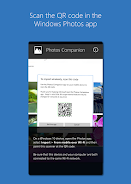
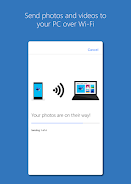
Introductions Photos Companion, a Microsoft Garage project
Photos Companion
The Microsoft Garage provides employees with avenues to test new ideas and explore customer enthusiasm. The experimental window for Photos Companion, a Microsoft Garage project, will be complete in early June, and it will no longer be supported. This experiment showed the importance of consistent communication between desktop and mobile apps, and our future development efforts will focus on mobile and cloud-first design to take this notion even further.
What is the latest version of Photos Companion, a Microsoft Garage project?
The latest version of Photos Companion, a Microsoft Garage project is 2018.0301.05.4 (180301054).
Is Photos Companion, a Microsoft Garage project free to download?
Photos Companion, a Microsoft Garage project is free to download on Android, but may contain optional in-app purchases.
What is the APK file size of Photos Companion, a Microsoft Garage project?
The APK file size of Photos Companion, a Microsoft Garage project is 52 MB.
Is Photos Companion, a Microsoft Garage project safe and virus-free?
Yes, Photos Companion, a Microsoft Garage project is completely safe to download and install. The APK is sourced directly from Google Play and verified with the original developer certificate.
How to install Photos Companion, a Microsoft Garage project on Android?
Download the APK from this page. On your Android device, open the downloaded file, allow installation from unknown sources if prompted, then tap Install.